


Serving the global aerospace community, Life Support International has been developing and providing innovative life saving products and services for over 35 years.
The dedicated individuals who make up our team have always been our unique strength - we all recognize the solutions we provide are the last line of defense in the event of emergency.
What We Do
LSI designs, manufactures, distributes, and services a wide range of US Mil-Spec, FAA, and USCG approved life saving equipment, including aerial delivery and life raft systems, life preservers, survival and first aid kits, and pilot accessory equipment.
Our client base includes OEM aerospace manufacturers, all branches of the US Military, foreign militaries, police, fire and rescue agencies worldwide.
Check out the links below for more details:


key
Programs
Our mission is to create Solutions for Survival in air, on land and sea, and in space. We meet this mission by listening and understanding our customers' needs and responding with custom designed and integrated solutions.
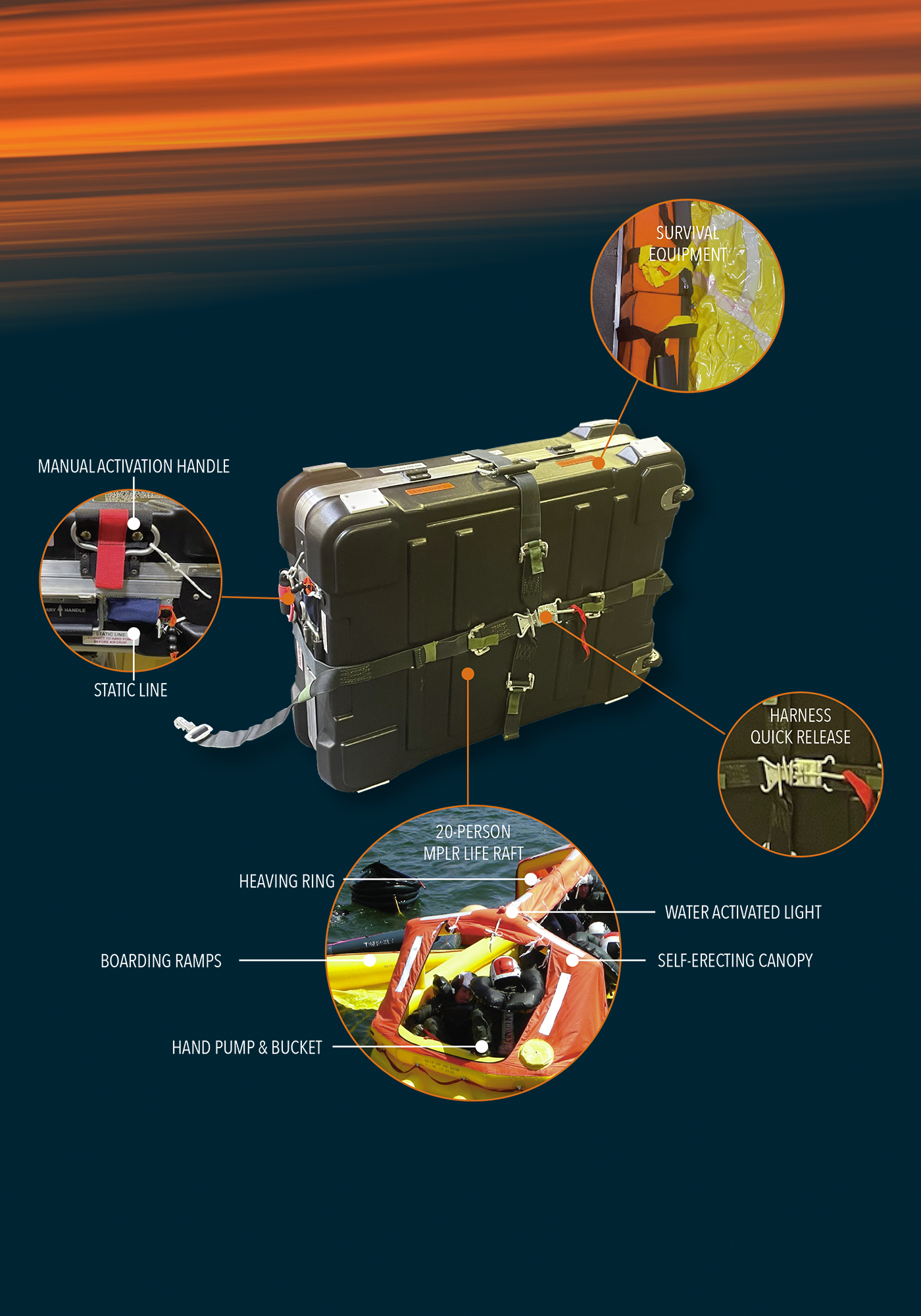
Click on the hotspots to view details of some of our key programs.
Featured Products
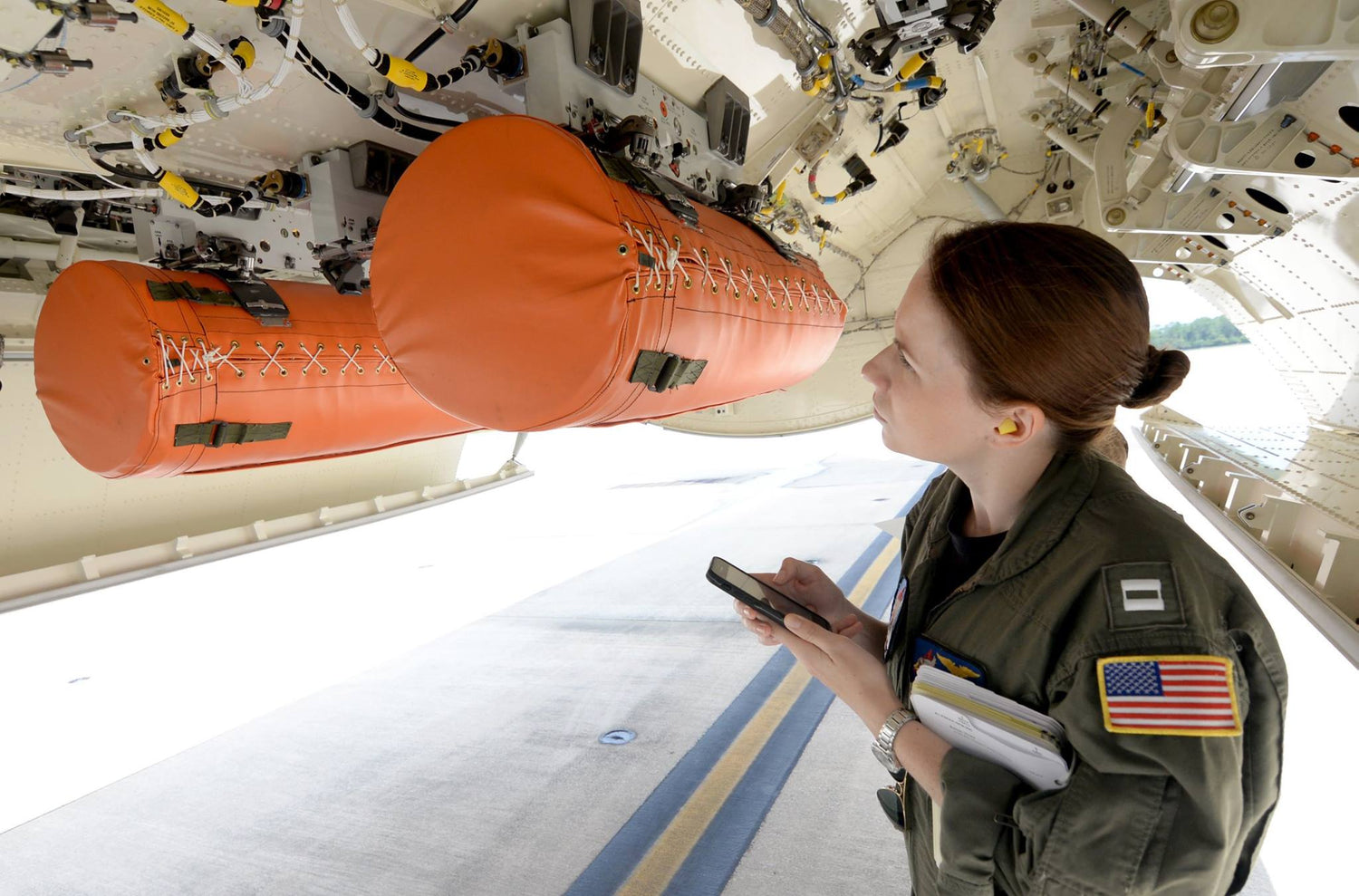
UNI-PAC II, Air-Drop Survival Kit, Universal Aircraft
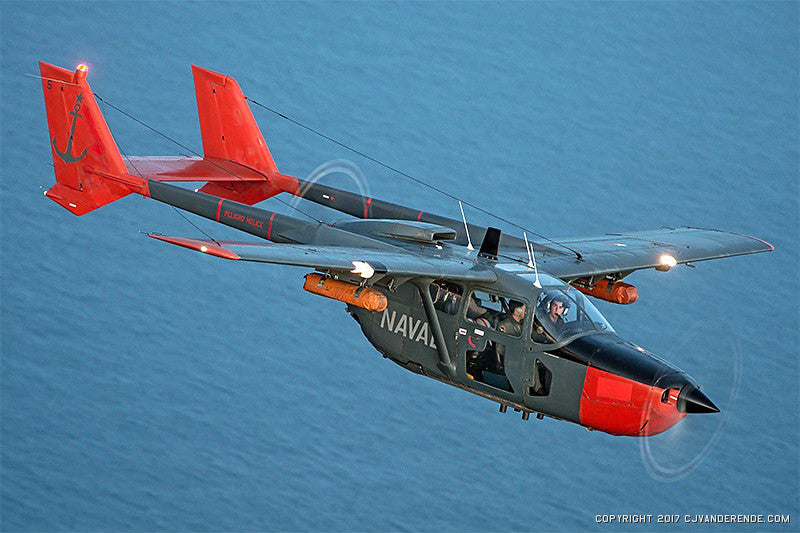
UNI-PAC™, Air-Drop, Skymaster II
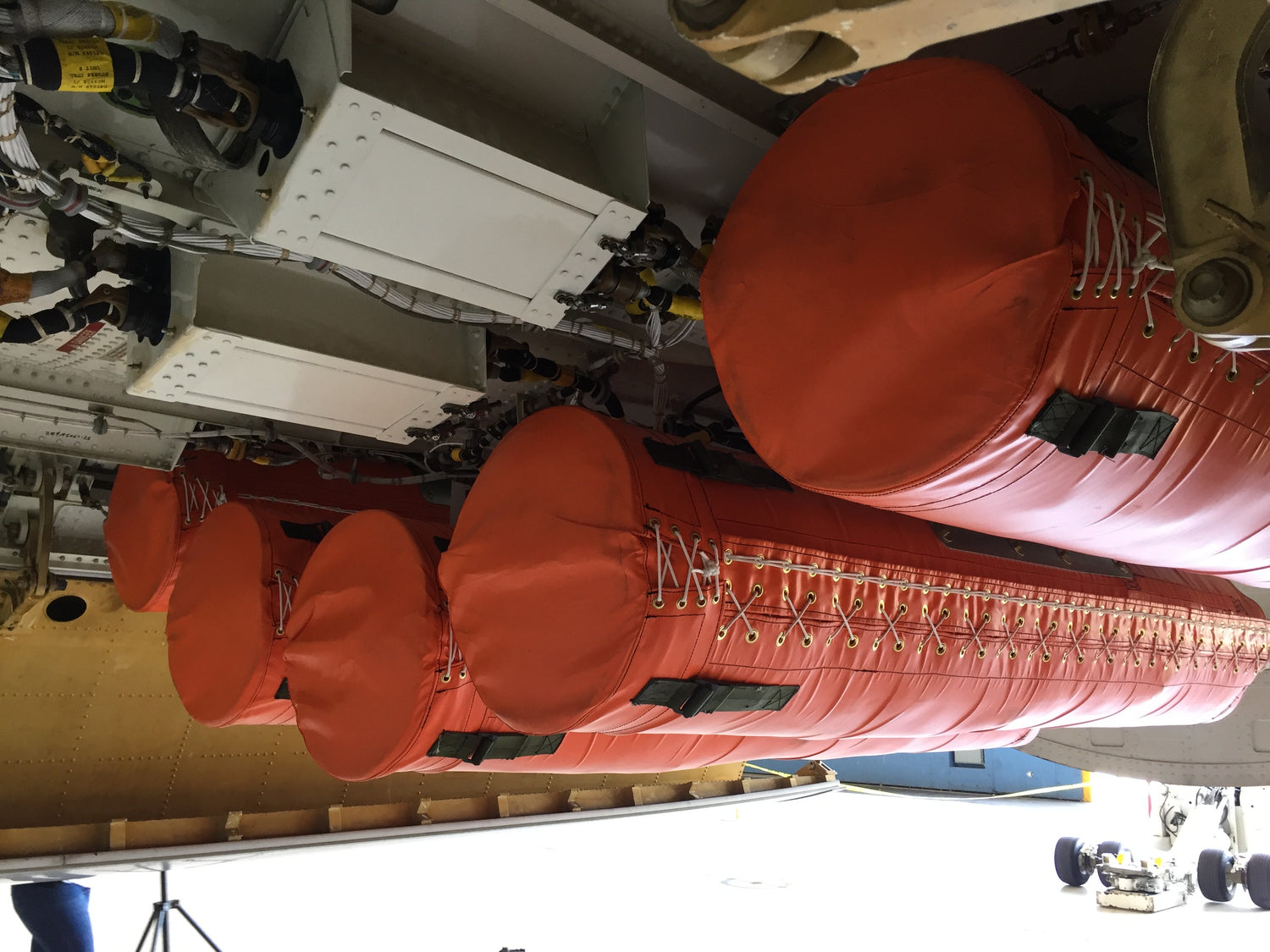
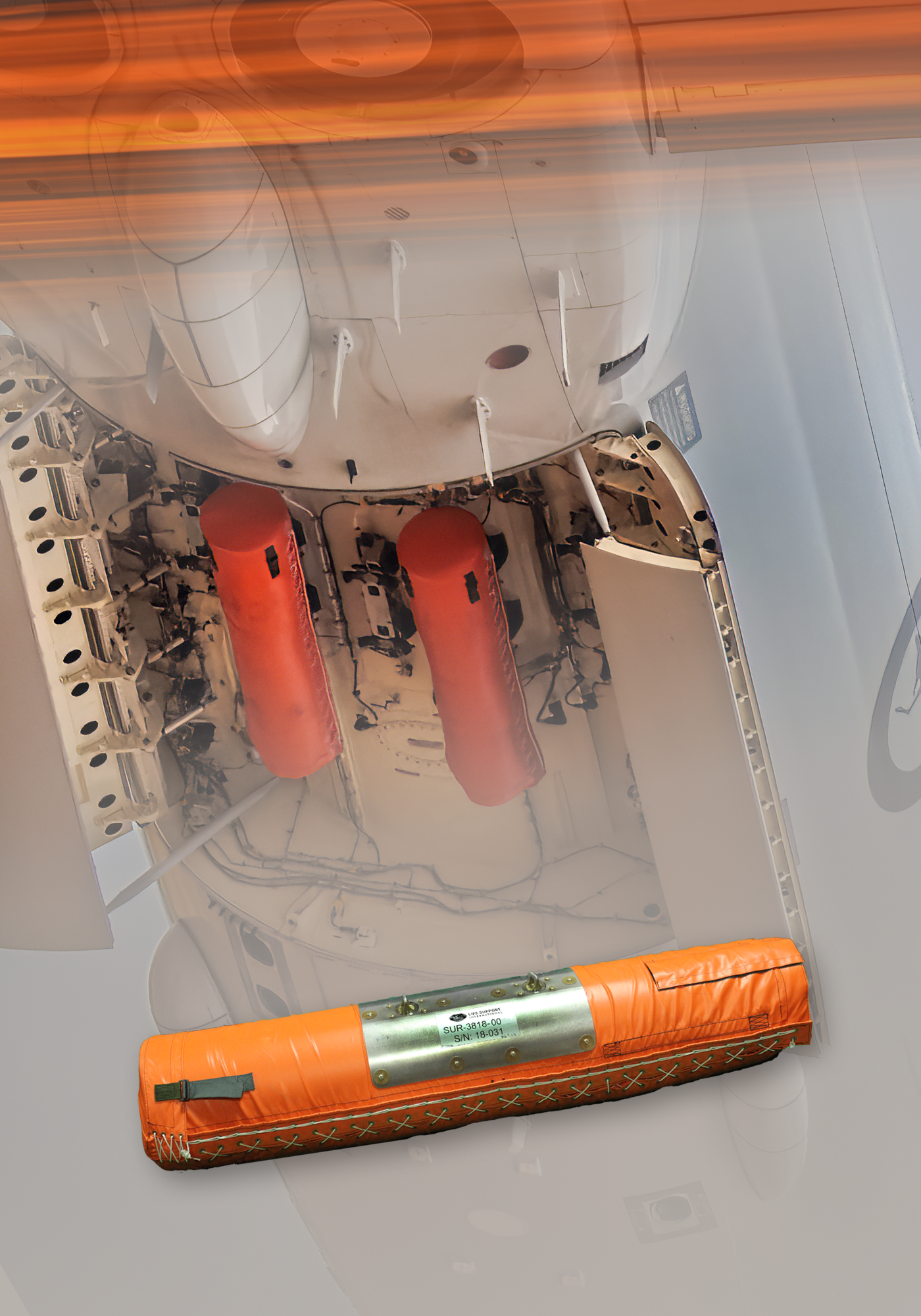
UNI-PAC III, Air-Drop Survival Kit, P-8A Poseidon
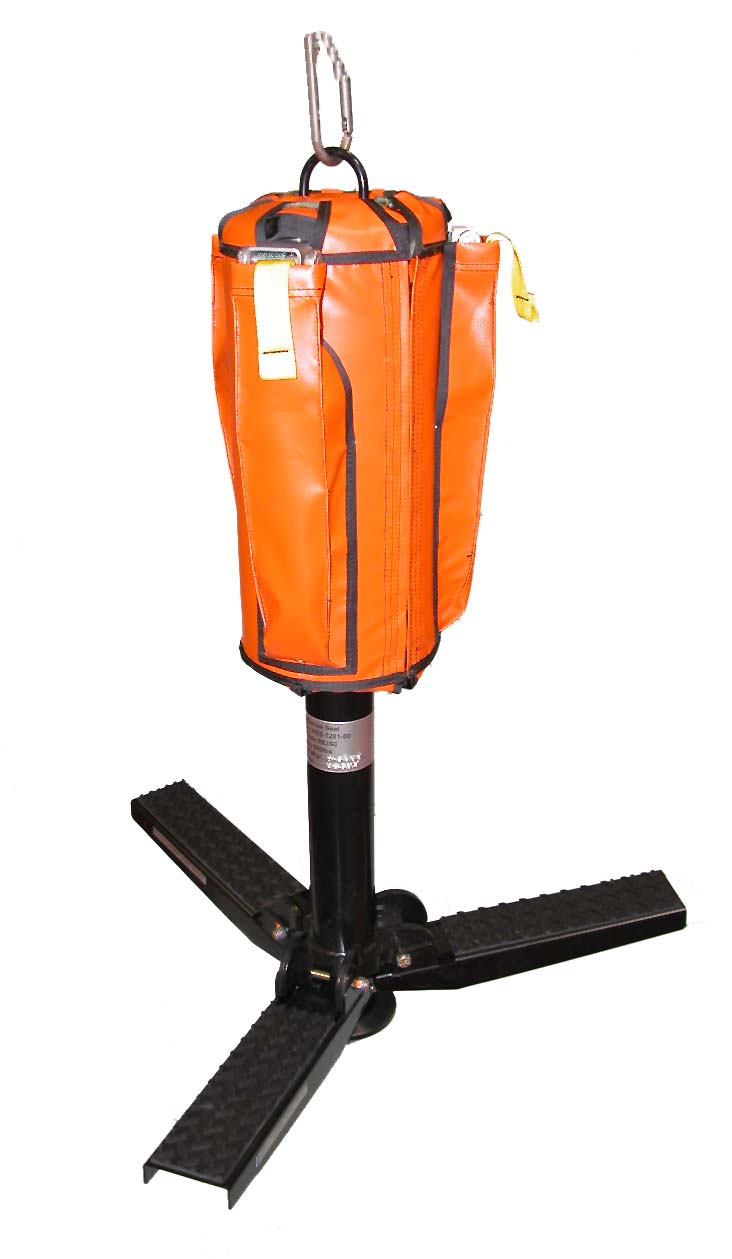
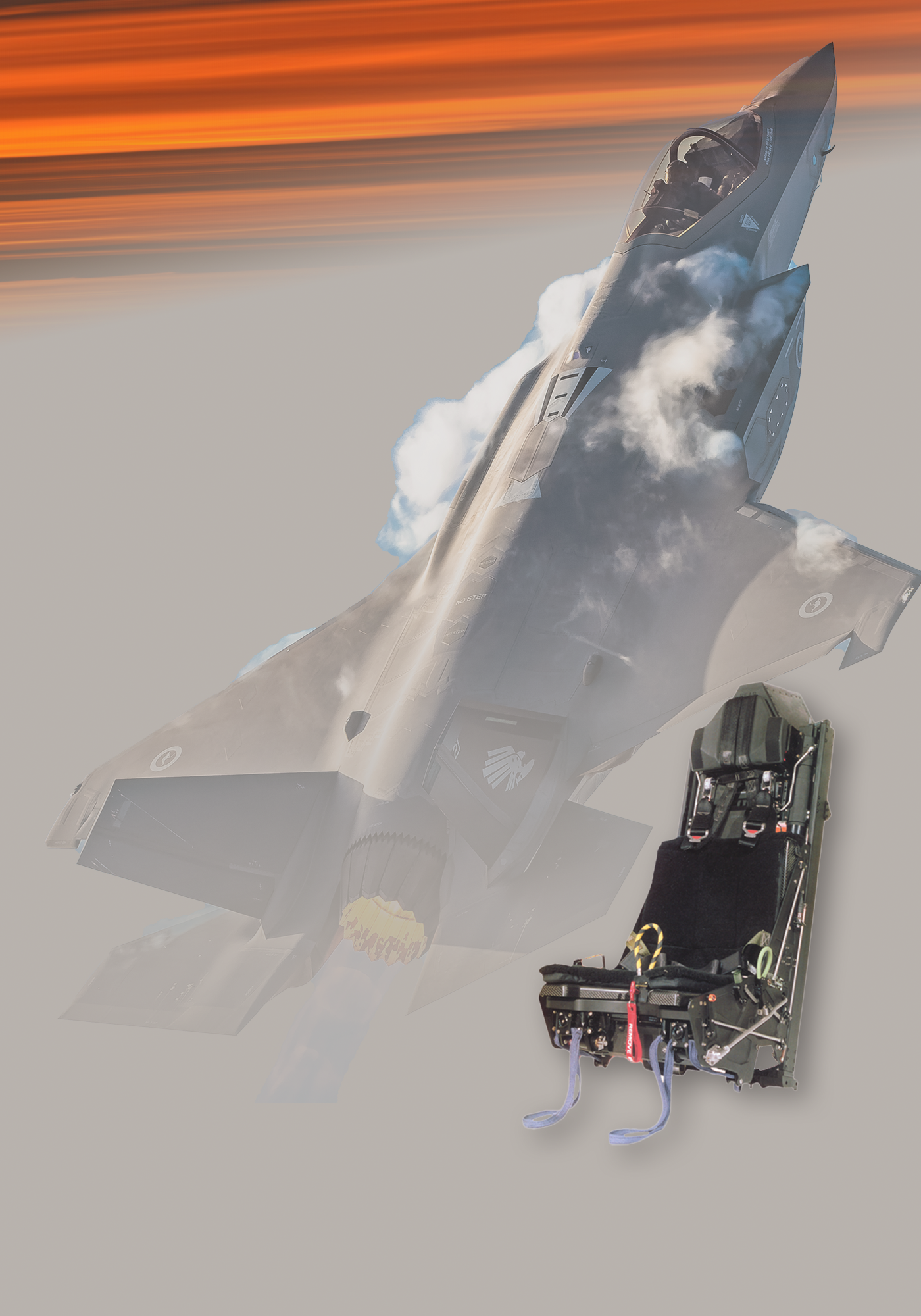
Rescue Seat, MK-III
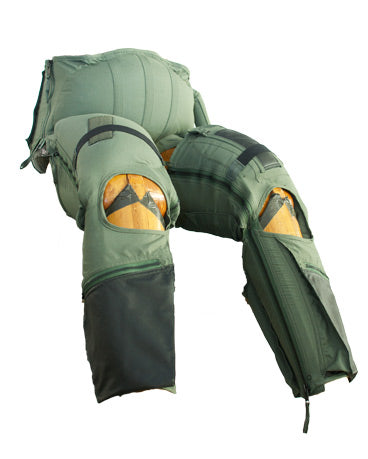
Suit, Anti-G, CSU-13B/P
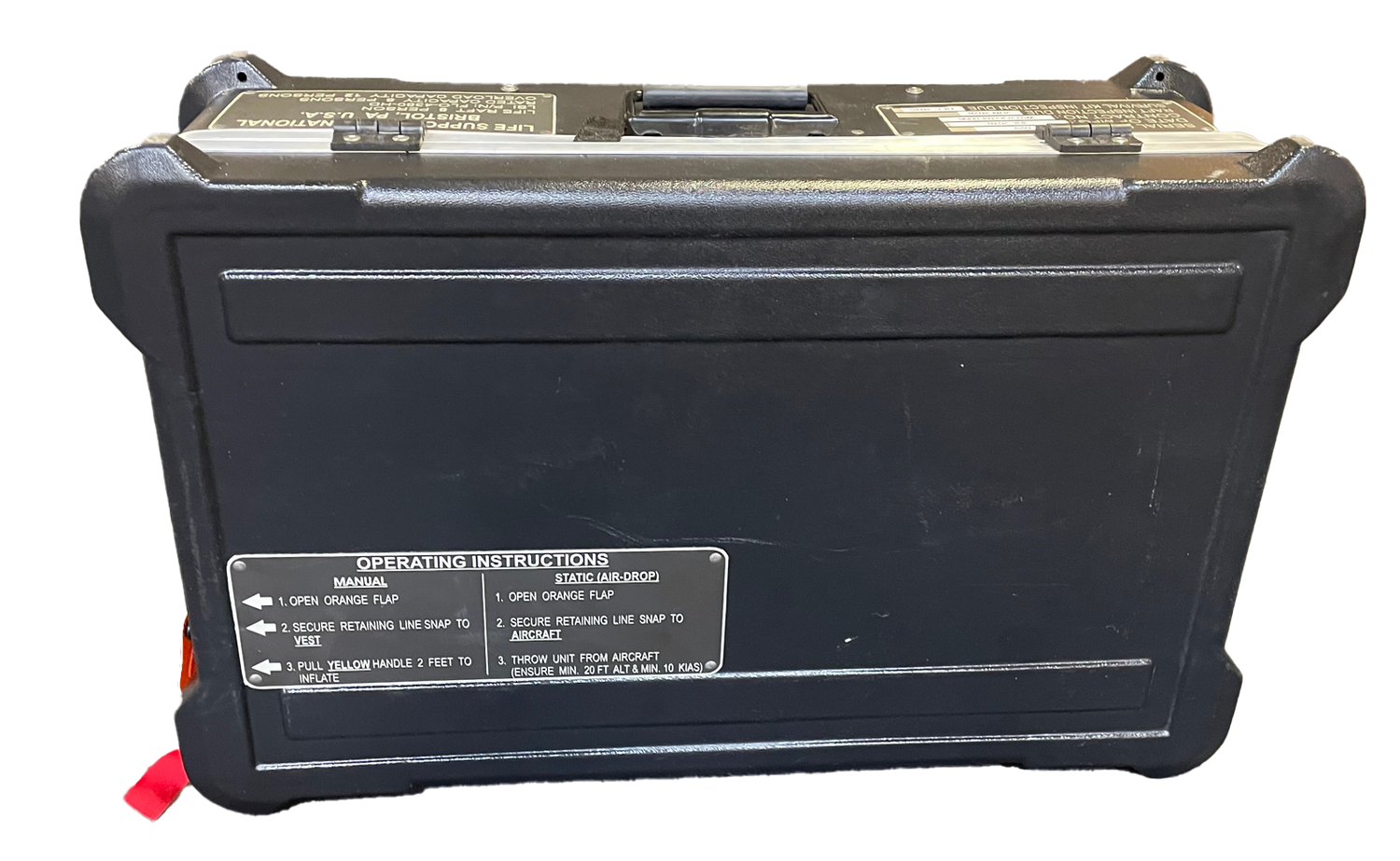
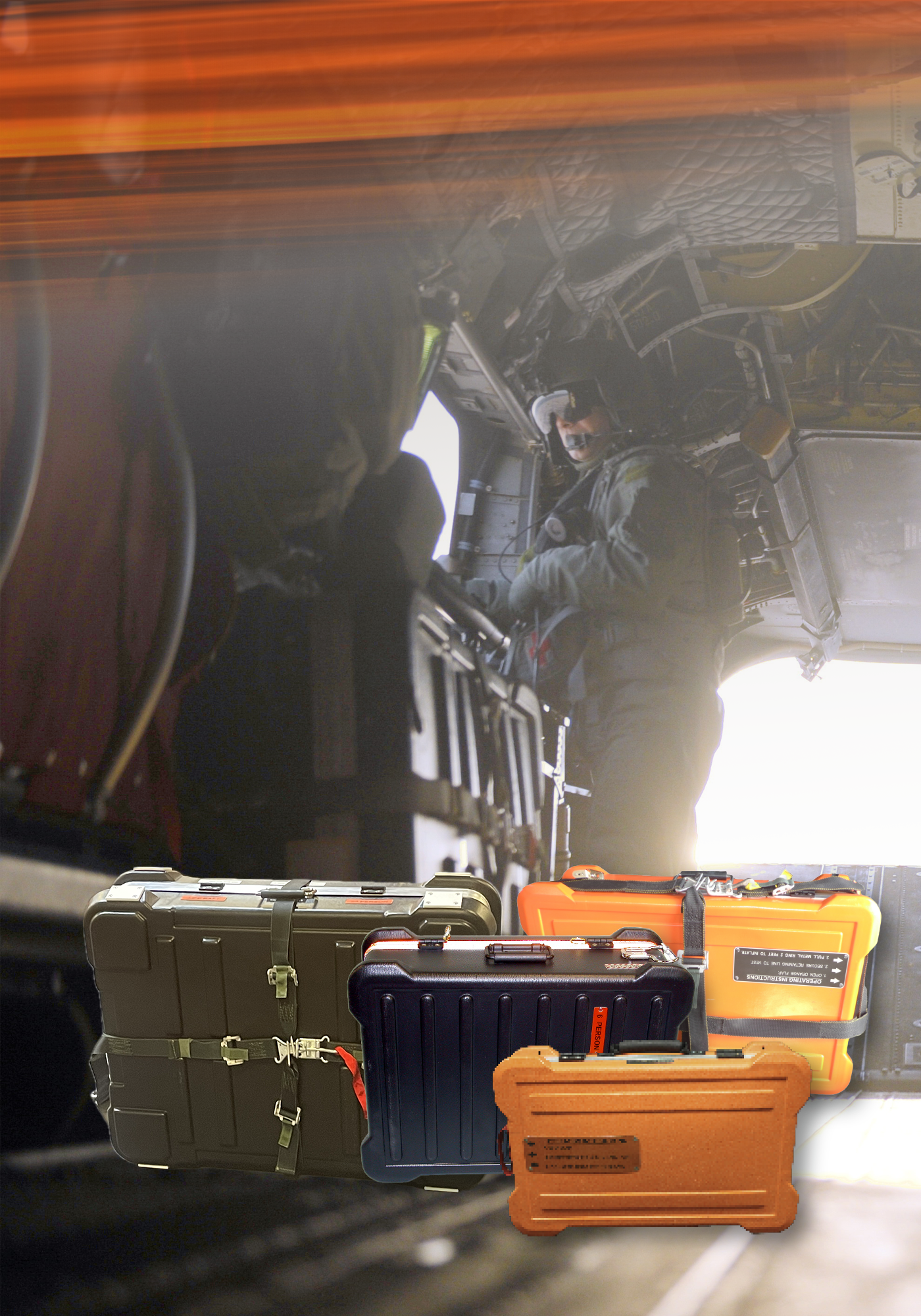
Life Raft, HARD-8
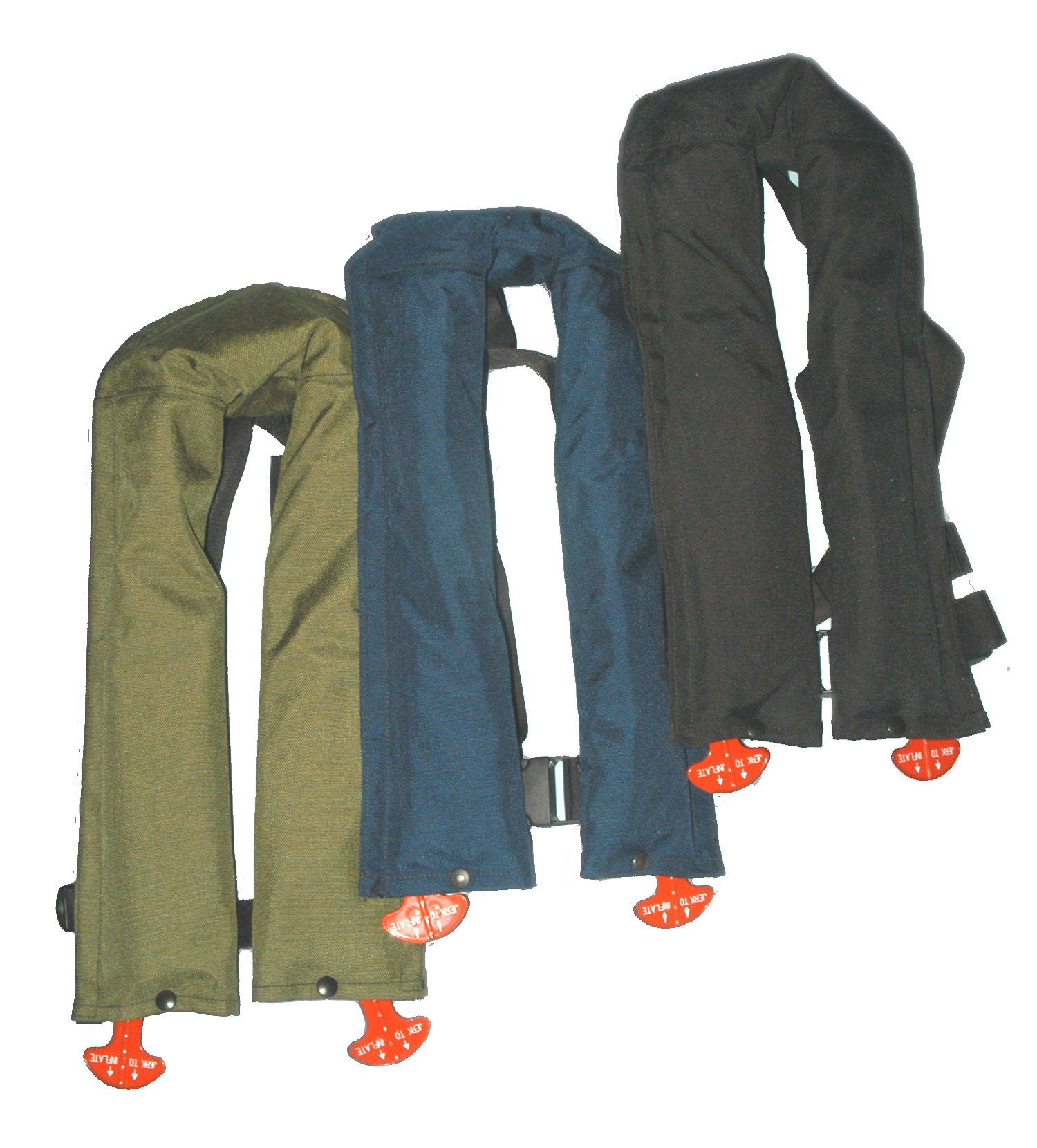
Life Preserver, MK-46 C™
UNI-PAC III
Air-drop Search Rescue
Get a closer look at the UNI-PAC III in action.
What's happening
Featured Blog Posts
Indian Navy deploys LSI UNI-PAC II SAR Kits to Help Chinese Navy
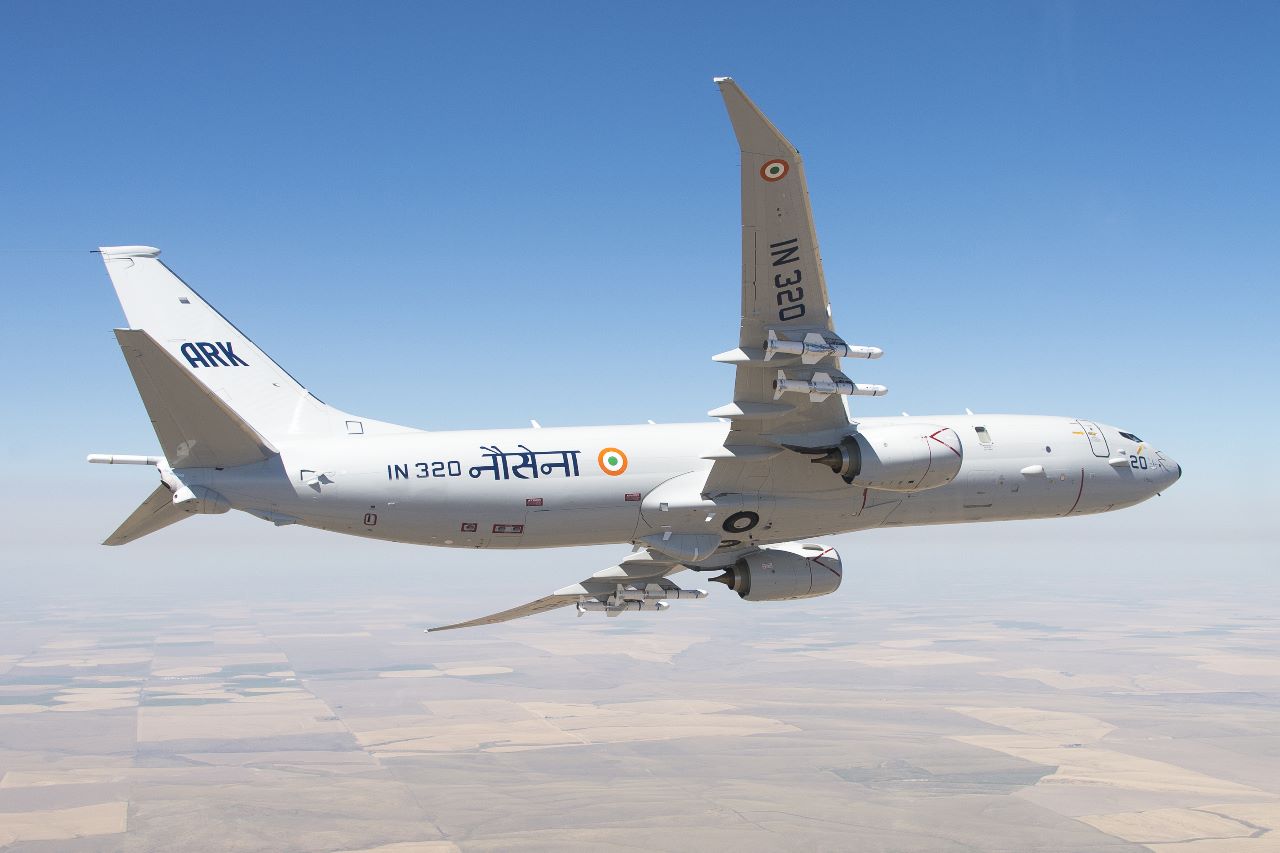
In a swift humanitarian action on 17 May #IndianNavy deployed its UNIPAC-II Search & Rescue assets in the Southern IOR approx 900 Nm from India, in response to sinking of a #Chinese Fishing Vessel Lu Peng Yuan Yu 028 with 39 crew onboard. The crew included nationals from China, Indonesia & Philippines.
Full Story: bit.ly/43ZNW6T
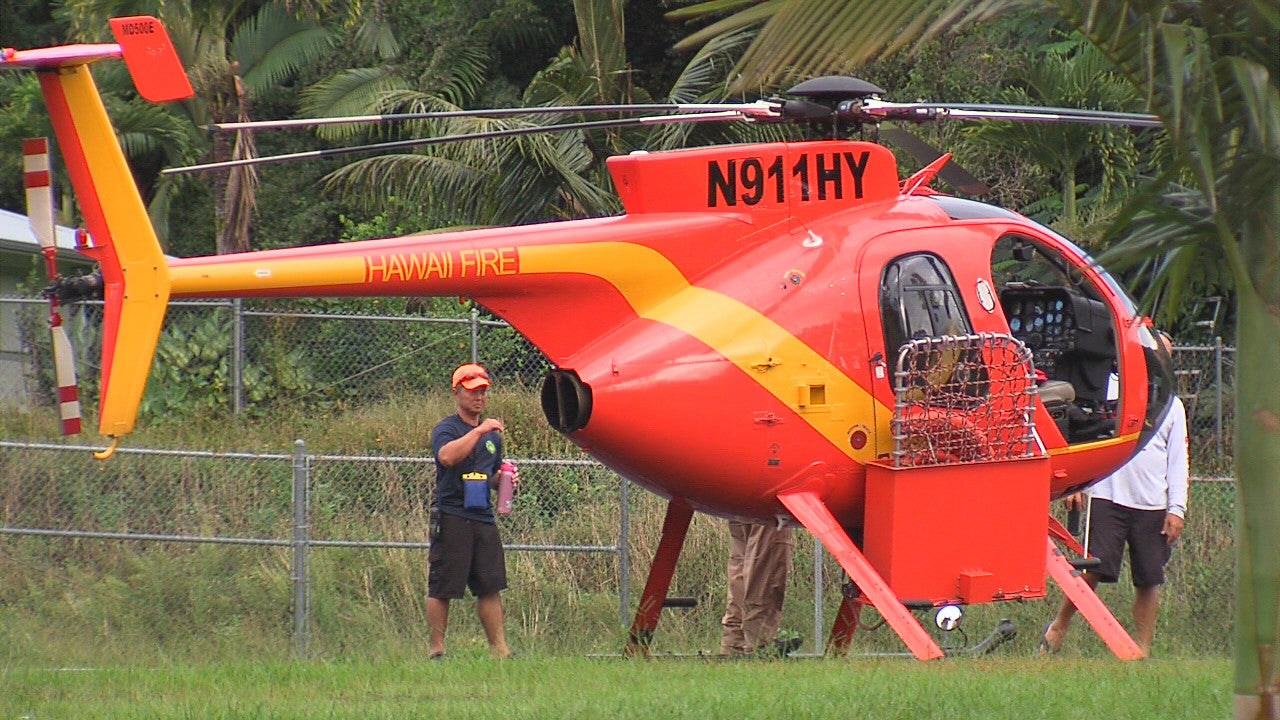
Billy Pugh helicopter rescue net used to rescue 35-year-old after falling from cliff
A 35-year-old male was trying to climb down a cliff wall next to 80-foot-tall Rainbow Falls in Wailuku River State Park in Hilo when he fell onto a rock outcrop and then into a pond.
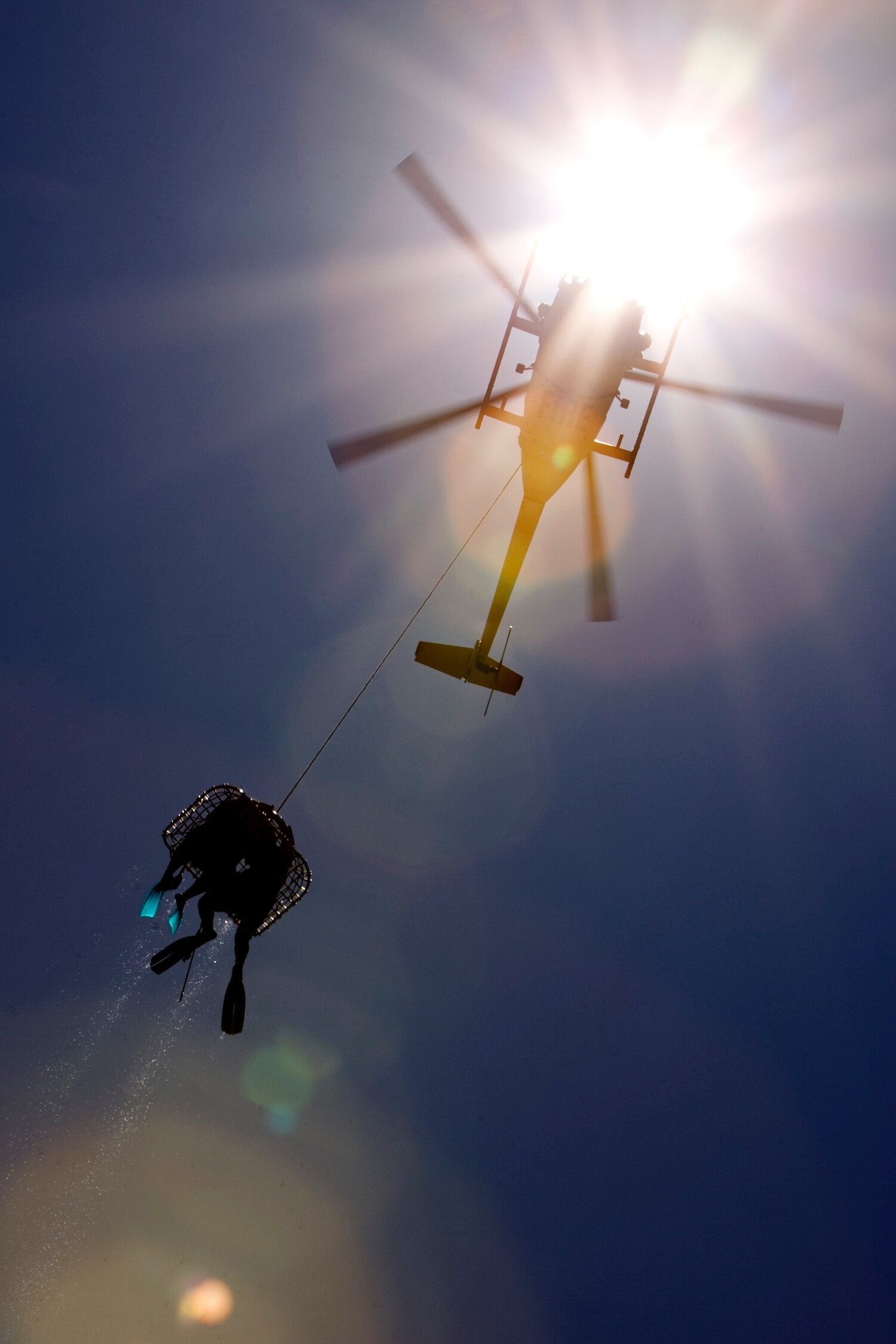
The Hawaiʻi County Fire Department used a helicopter with a Billy Pugh net to extricate him from the location. The man was flown to a waiting medic unit and transported to the emergency room at Hilo Medical Center.
Full Story: bit.ly/3LAkcXi
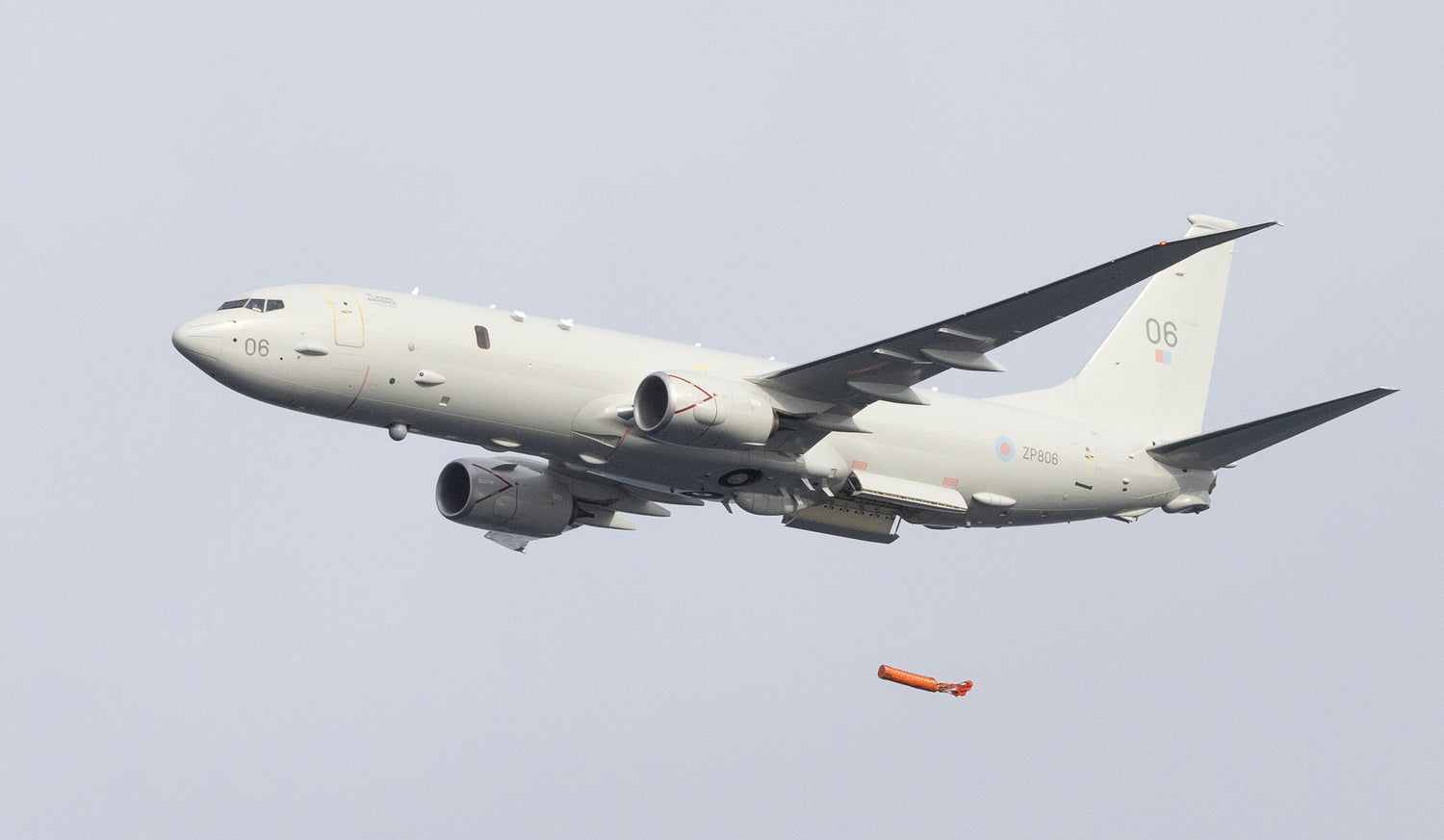
Another Successful Sea Trial - UK Royal Air Force (RAF)
In trials conducted off the Southwest coast, a Royal Air Force (RAF) P8 Poseidon dropped a UNIPAC-III SAR kit from its weapons bay into the sea. The semi-rigid aerial delivery container activates when impacting the water to provide an inflatable life raft & survival equipment for survivors.
Full story: bit.ly/3wX1X66
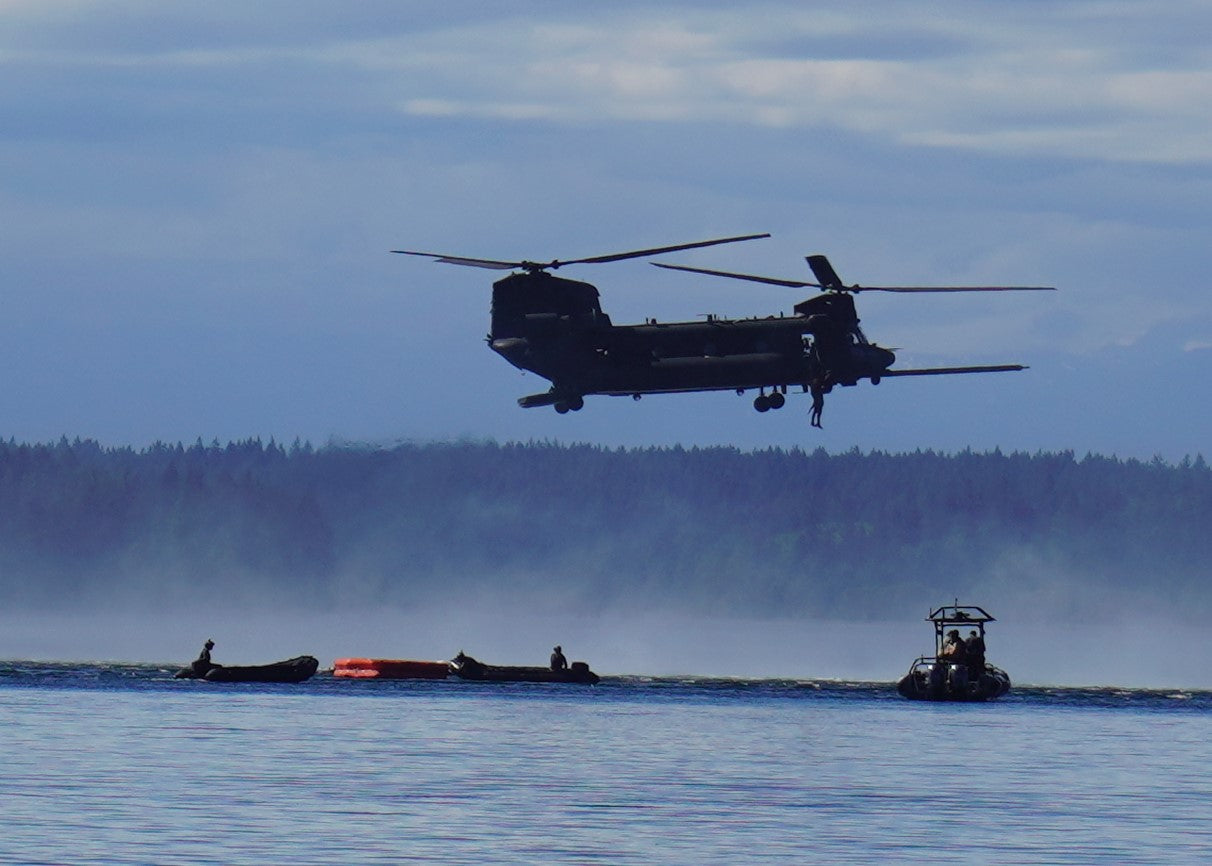
U.S. Army Special Ops Training Test LSI's HARD-20
On Tuesday June, 21, 2022, elements of the U.S. Army Special Operations Aviation Command (USASOAC) conducted a live overwater training event at Joint Base Lewis-McCord (JBLM). USASOAC utilizes LSI’s HARD-20 system during any overwater mission.
Full Story: bit.ly/3LbKzRW
High Altitude Wing Kit (HAWK)
Life Support International's High Altitude Wing Kit (HAWK) is expanding search and rescue capabilities for Unmanned Air Vehicles (UAV). The HAWK provides Search and Rescue solutions for various UAV models and is available in three sizes: Falcon, Osprey, and Eagle, with survival equipment tailored for land, desert, water, or icy conditions.
U.S. Navy Utilized UNI-PAC II to Rescue Stranded Fisherman Off Coast of Guam

The crew of a P-8A Poseidon aircraft from Patrol Squadron (VP) 45 located a missing mariner and his vessel during a Search and Rescue (SAR) operation Jan 17.
Life Support International's UNI-PAC III Extends Search and Rescue Capabilities of P-8A

“There’s no other rescue capability like it in the world,” Lee McDowall, Royal Australian Air Force.
Life Support International's UNI-PAC III Search and Rescue Kit supplies critical life saving equipment to downed survivors in emergency situations.
UNI-PAC II Dropped From P-3 Orion in successful Search & Rescue Mission Off Coast of New Zealand
On Monday, October 14, 2019,The New Zealand Defence Force deployed a UNI-PAC II Survival Kit in support of a search and rescue mission after a yacht sank off the coast of the North Island. Life Support International's UNI-PAC II is an air droppable survival kit, including a life raft and other critical survival equipment, that can be tailored to meet specific requirements and configured to deploy from various aircraft applications.